Automatic Tiling Window Manager
Tile your windows. Own your workflow. No manual resizing, no overlapping chaos — stay in the flow with keyboard-driven layouts inspired by Linux window managers.
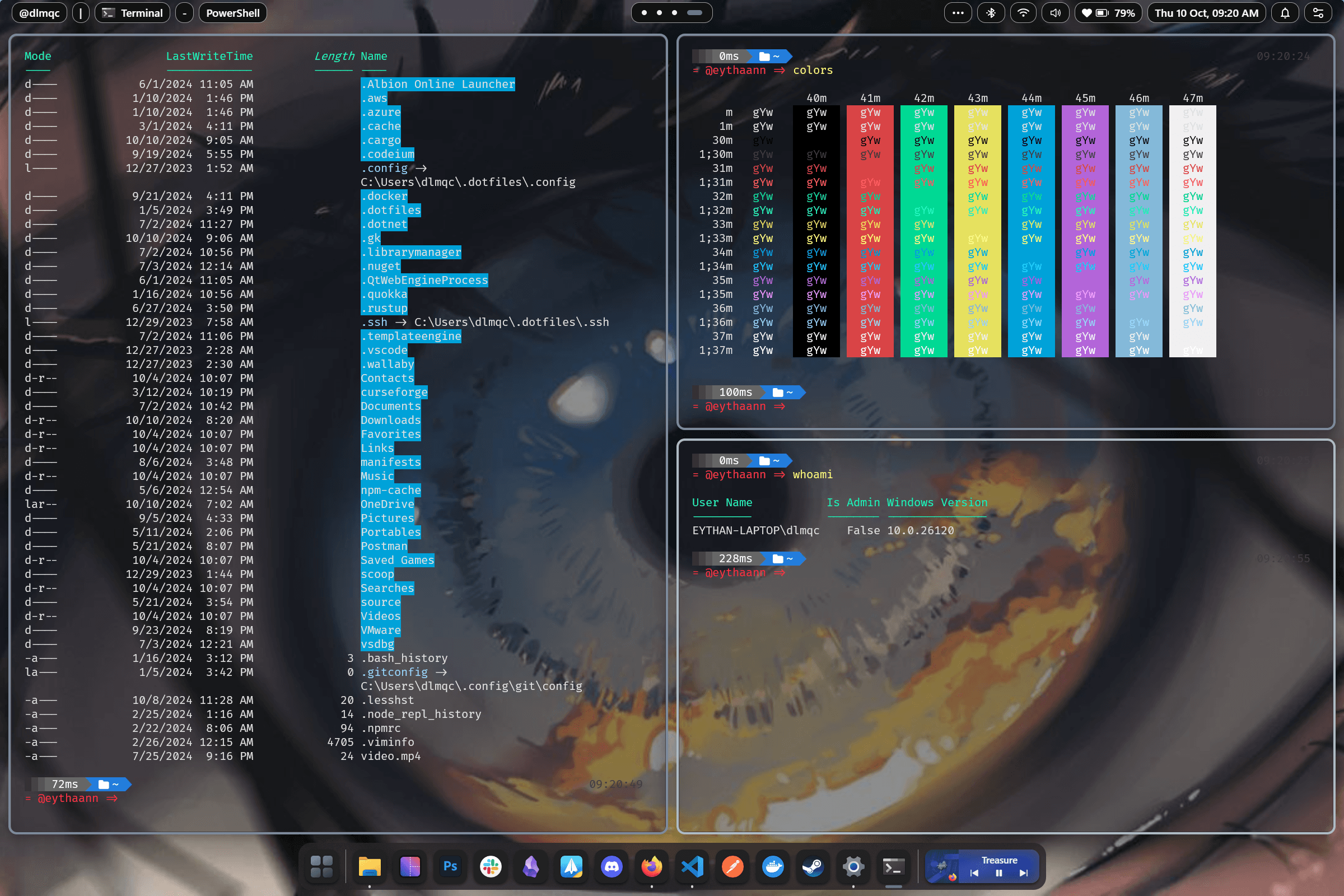
Four Powerful Layout Engines
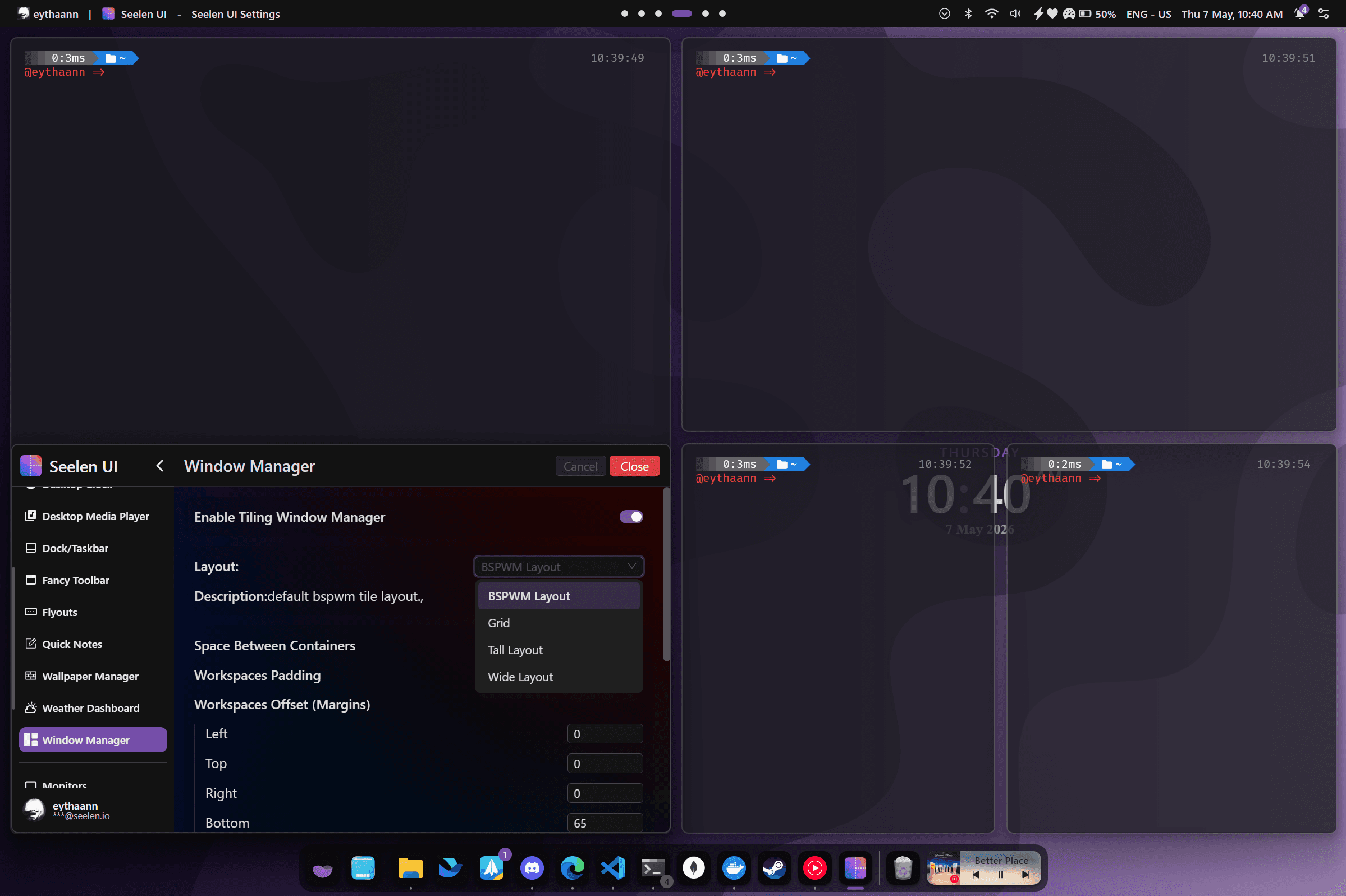
Choose the layout that fits your workflow. Switch between layouts per workspace without closing any windows — your tiles reflow instantly.
- BSPWM — Binary space partitioning: every new window splits the current tile recursively for maximum screen use
- Tall — One large primary pane on the left with a vertical stack on the right, inspired by dwm
- Wide — A primary pane on top with a horizontal stack below, great for ultrawide monitors
- Grid — A dynamic adaptive grid that balances all windows evenly
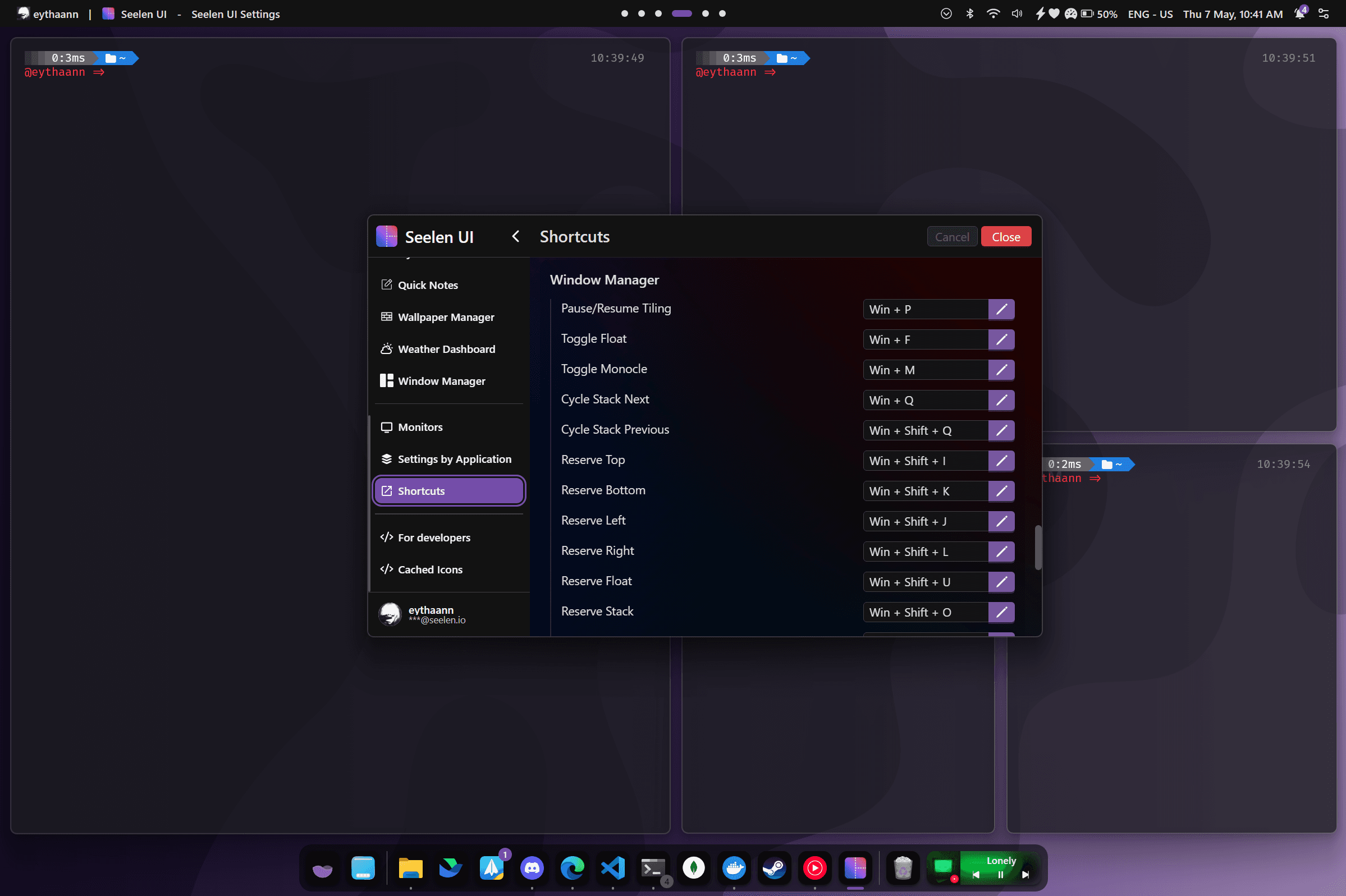
Keyboard-Driven Navigation
Keep your hands on the keyboard. Navigate, move, and resize windows without ever touching the mouse. Full shortcut remapping through the Settings panel.
- Move focus: Alt+I/K/J/L (up / down / left / right)
- Swap windows: Shift+Alt+I/K/J/L
- Resize width: Win+Alt+= / − and height: Win+Ctrl+= / −
- Toggle float (Win+F), monocle (Win+M), WM on/off (Win+P)
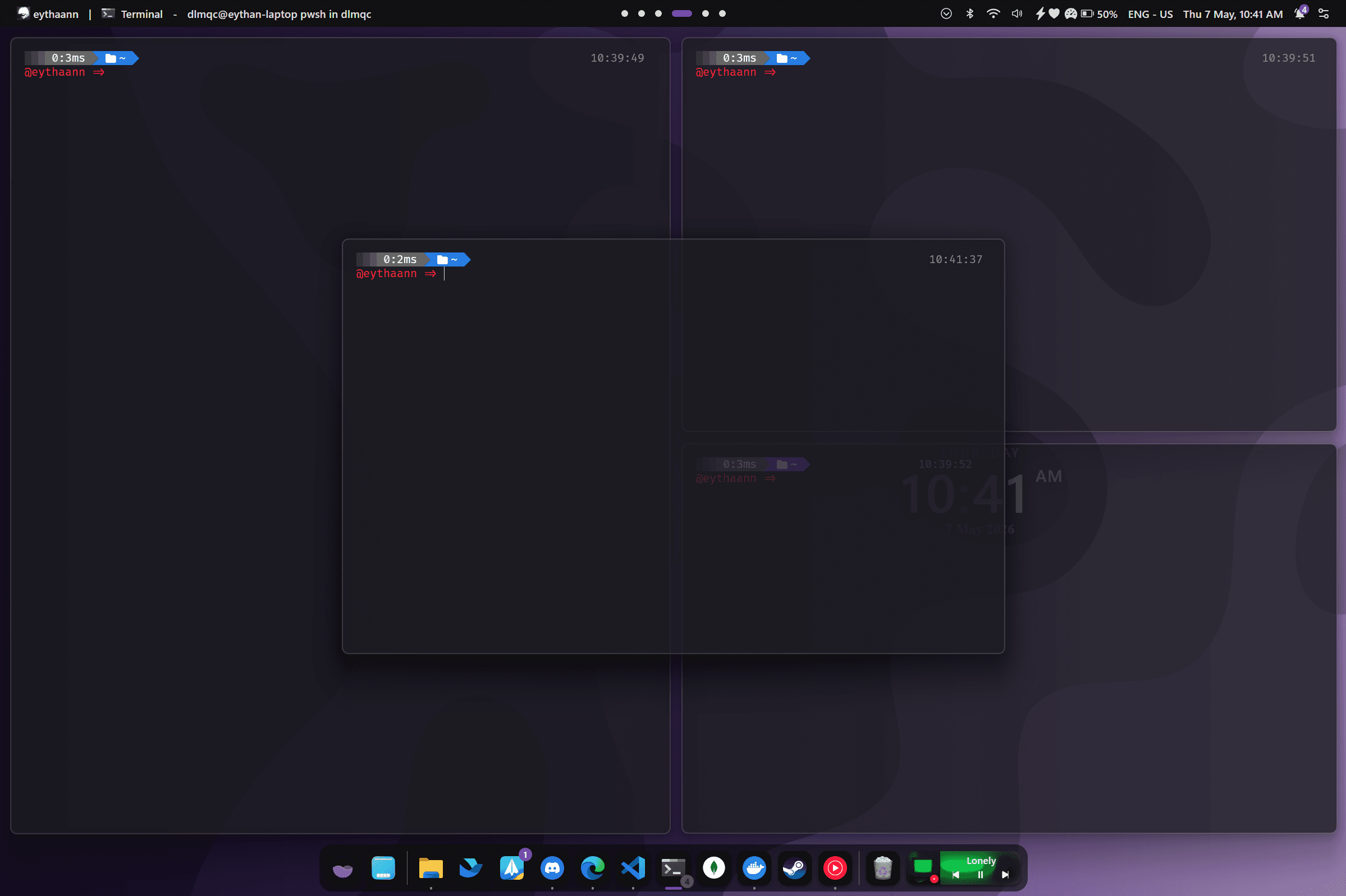
Float, Stack & Monocle Modes
The tiling engine is flexible — break any window out of the grid when you need to, then bring it back without disrupting the rest of your layout.
- Float mode: free-floating, unmanaged — drag and resize like normal Windows
- Stack mode: tab multiple windows within a single tile, cycle with Win+Q
- Monocle mode: maximize one window to fill the workspace, others stay managed
- System apps (dialogs, popups) auto-float via built-in rules
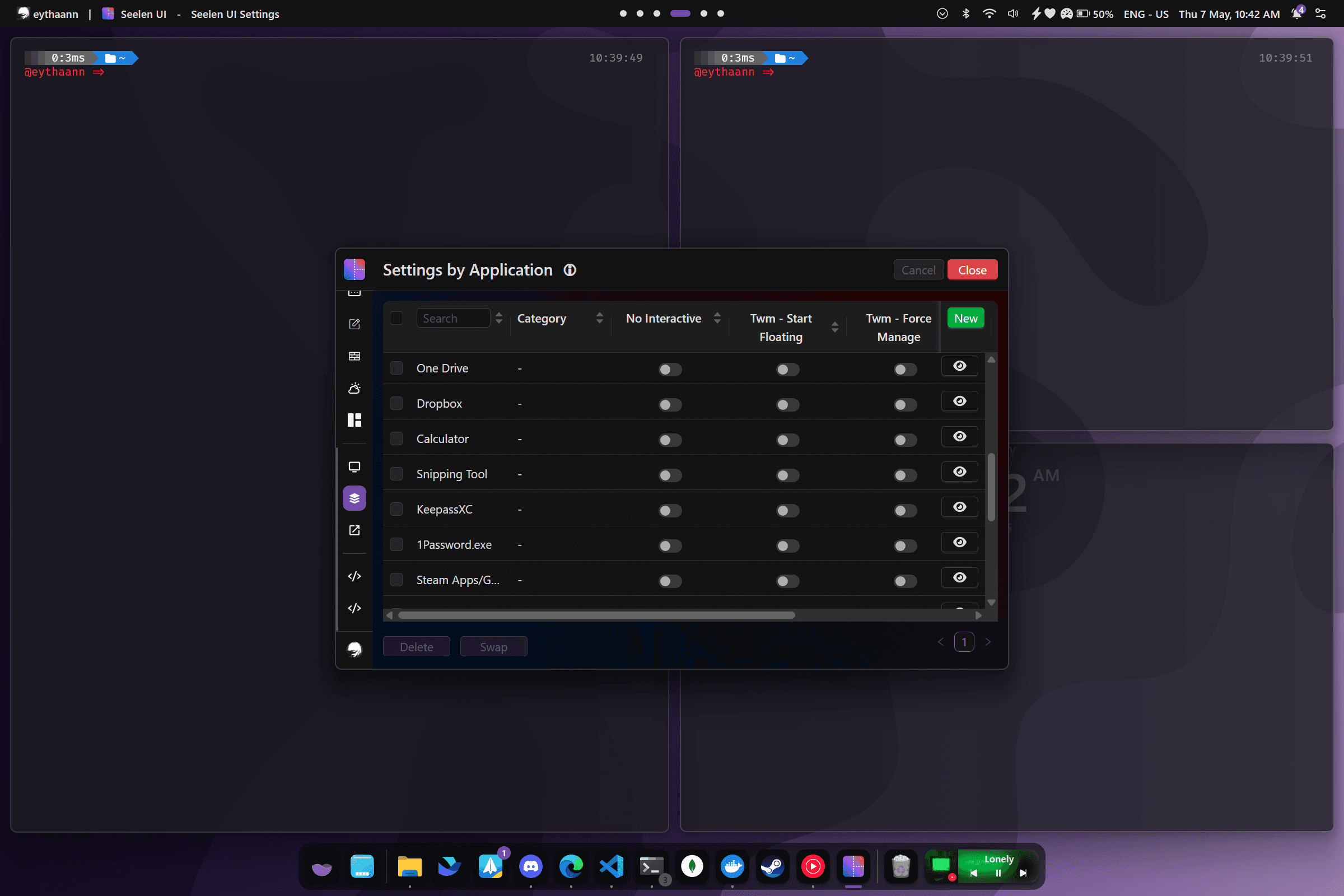
Per-App Rules
Define rules for any application by process name, window title, or class. Seelen UI applies them automatically when the window opens — no scripting required.
- Match by Exe name, Window Class, Title, or path (with Regex support)
- Auto-float apps like dialog boxes, launchers, or picture-in-picture
- Pin windows across all virtual desktops (always visible)
- Force specific apps to open on a given monitor or workspace
Built for Power Users on Windows 11
Colored Borders
Highlight the focused window with customizable border color, width, and offset.
Granular Resize Steps
Adjust tile size in 1–40% increments for pixel-perfect window sizing.
Per-Monitor Layouts
Each monitor runs its own independent tiling layout and settings.
Gaps & Padding
Customize workspace margins, gaps between tiles, and inner padding.
Smooth Animations
Window movement and resizing is animated with configurable duration and easing.
Virtual Desktop Aware
Each virtual desktop maintains its own independent layout state.
Explore More Features
Stop Fighting Your Windows. Start Tiling.
Free, open source, and available on the Microsoft Store.