
Resource is not working
This resource needs to be updated to work properly on newest version of the application.
Screenshots
Description
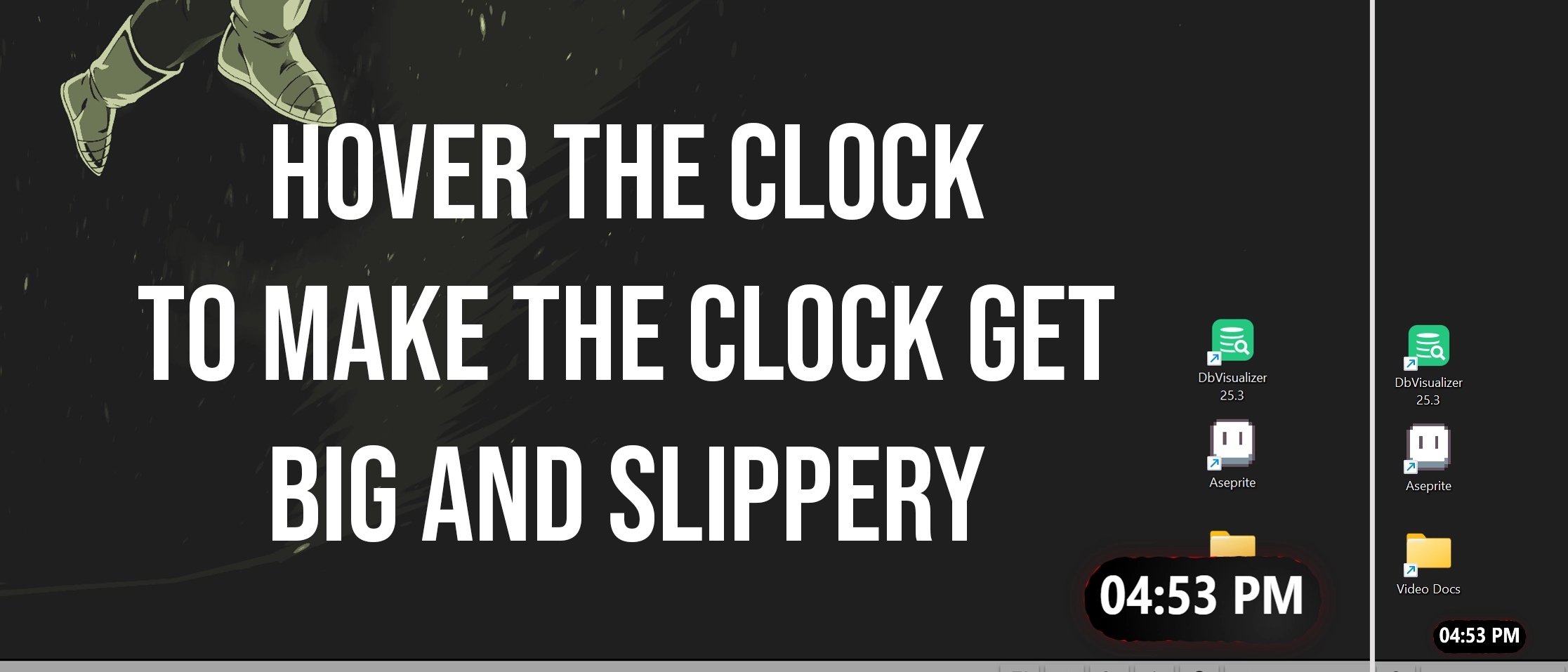
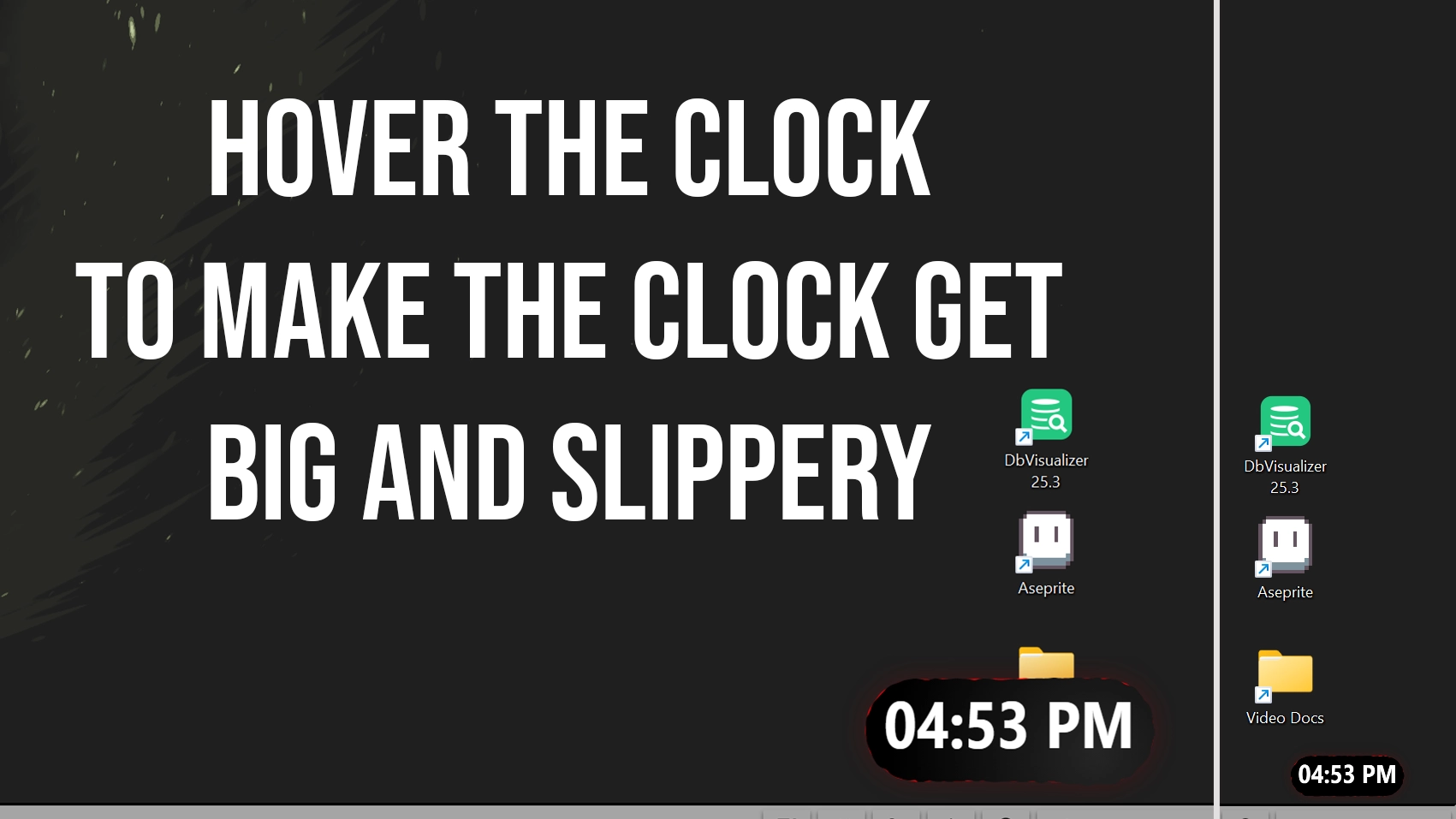
I made a slippery clock for seelen-ui
when you hover it, it grows big
its slippery but small but hey if you hover that thing it will get bigger...
anyways this is what it looks like
How to use?
- Download and install Seelen UI
- Make sure the app is running
- Click the download button above
- Accept the browser prompt to open Seelen UI
- The app will handle the installation
- And that's all!
Compatibility
- Seelen UI: 2.4.11+
- Platform: Windows
Related Resources








Resource Information
- ID: 5b719531-c585-41c1-b4f6-66a765de18c9
- Type: Widget
- Status: Published
- Created At: Friday, January 16, 2026 at 9:58:18 PM UTC
- Last Updated At: Friday, January 16, 2026 at 10:48:42 PM UTC
- Reviewed At: Friday, January 16, 2026 at 10:56:24 PM UTC
- Reviewed By:@eythaann