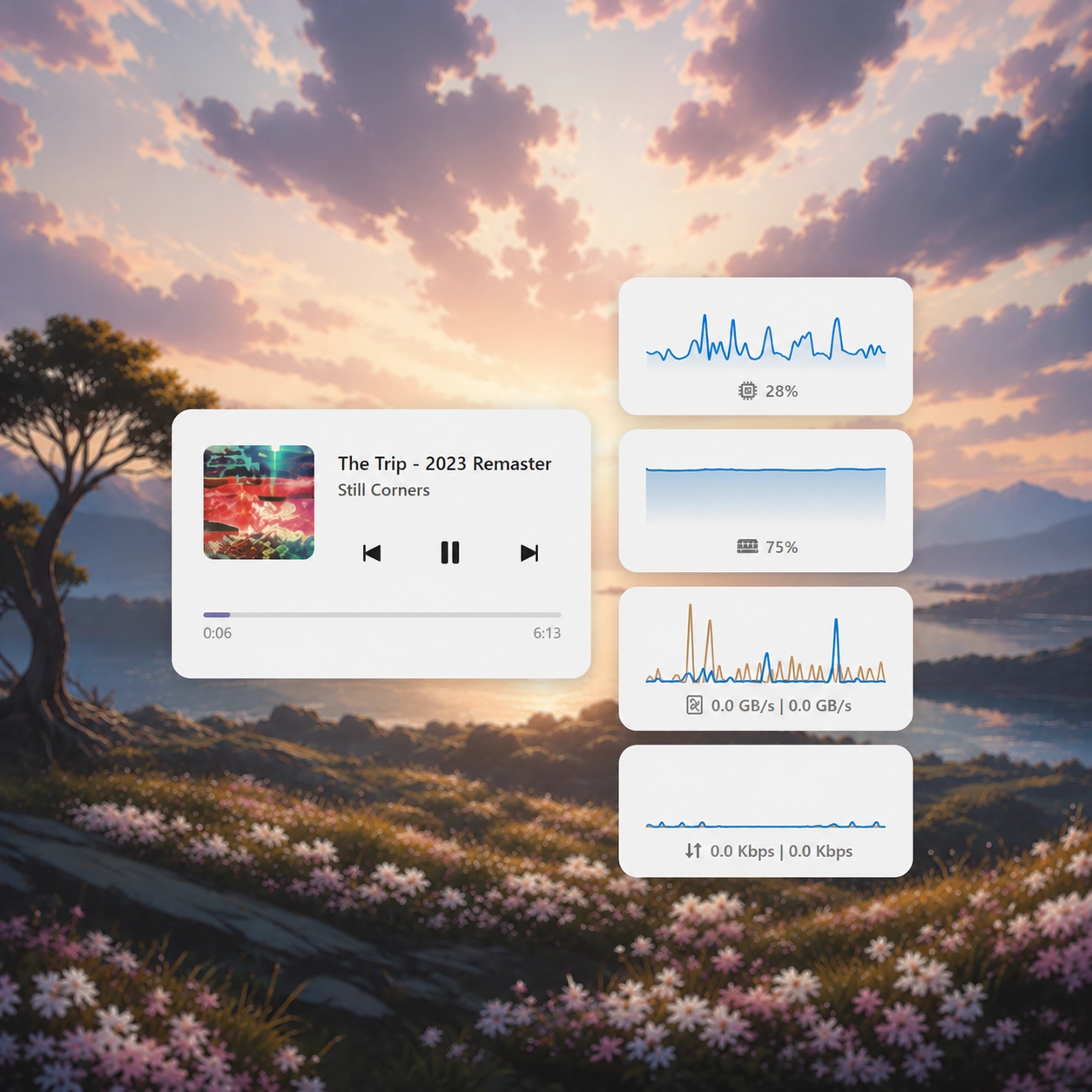
Screenshots
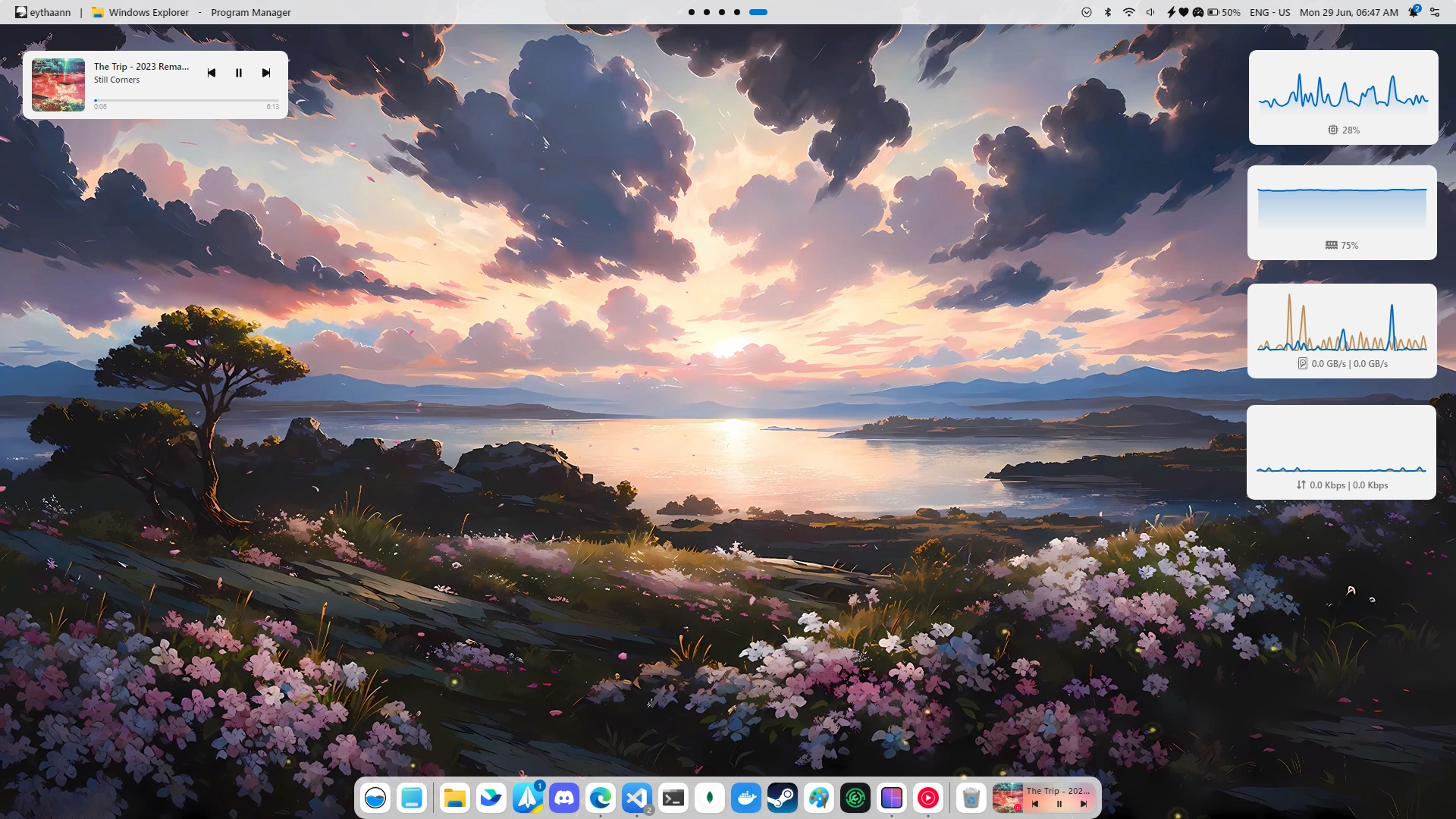
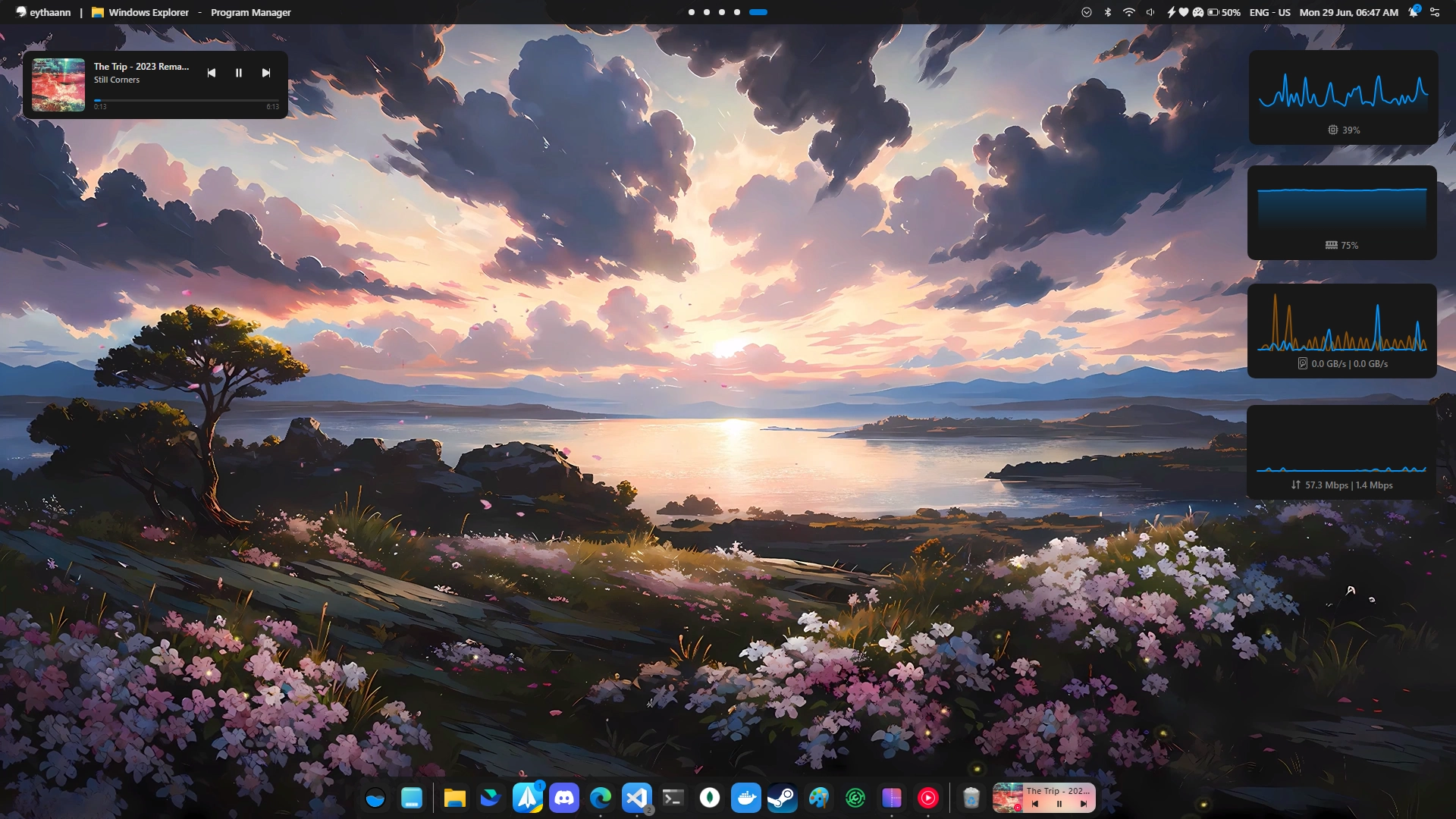
Description
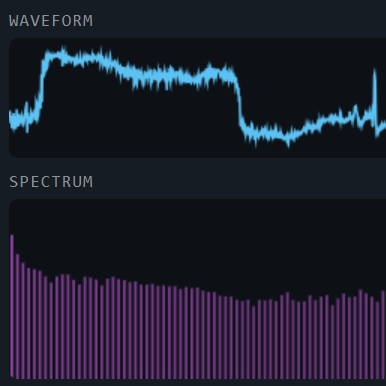
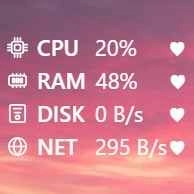
A minimalistic desktop widget showing disk I/O as real-time read and write rates on a shared chart, auto-scaled to the historical peak throughput.
How to use?
- Download and install Seelen UI
- Make sure the app is running
- Click the download button above
- Accept the browser prompt to open Seelen UI
- The app will handle the installation
- And that's all!
Compatibility
- Seelen UI: 2.7.4+
- Platform: Windows
More by seelen








Related Resources









Resource Information
- ID: 46e66fb4-9f9b-4df9-a9aa-c9f48a9502fd
- Type: Widget
- Status: Published
- Created At: Monday, June 29, 2026 at 4:18:07 PM UTC
- Last Updated At: Monday, June 29, 2026 at 4:18:07 PM UTC
- Reviewed At: Monday, June 29, 2026 at 4:24:27 PM UTC
- Reviewed By:@eythaann